Convert PDF to Word Online Free, Fast, and Accurate | ToolsGlide

Editing a PDF can be frustrating when you only need to make a simple correction or update a piece of content. Most PDFs are locked for editing, and rewriting everything from scratch wastes time. This is where a PDF to Word converter becomes essential.
ToolsGlide’s PDF to Word Converter provides a clear, reliable, and user-friendly solution. It turns a PDF into an editable Word document without software, signups, or complicated settings. This article explains how it works, why users prefer online conversion, and how to achieve the best results.
What Does a PDF to Word Converter Do?
A PDF to Word converter transforms a fixed, non-editable PDF file into a fully editable Microsoft Word (.docx) document. Once converted, users can adjust formatting, rewrite text, add images, or modify sections without restrictions.
You may need this tool if you want to:
- Update business documents
- Edit assignments or notes
- Modify contracts or agreements
- Reuse content from older PDFs
- Adjust formatting and layout
PDFs are ideal for sharing, but not for editing. Converting solves that limitation.
Why Use ToolsGlide’s PDF to Word Converter?
Many converters are slow, require payment, or reduce formatting quality. ToolsGlide focuses on speed, simplicity & accuracy.
1. Fully Online
No installation or software is required. Everything happens in the browser.
2. Strong Formatting Preservation
The converter maintains:
- Headings
- Paragraph spacing
- Fonts
- Lists
- Tables
- Images
- Page structure
This minimizes post-conversion editing.
3. Free and Unlimited
There are no limits on how many files you can convert.
4. Compatible with Scanned PDFs
When needed, the tool applies text recognition to convert scanned content into editable text.
5. Works on All Devices
Whether you use a laptop, mobile device, or tablet, the tool works the same way.
How to Convert PDF to Word on ToolsGlide
Follow these steps:
Step 1: Upload Your File
Choose your PDF from your device or drag it into the upload area.
Step 2: Wait for Processing
The tool reads your file, analyzes the structure, and prepares the Word version.
Step 3: Download the Word File
Once processing is complete, the editable .docx file is ready for download.
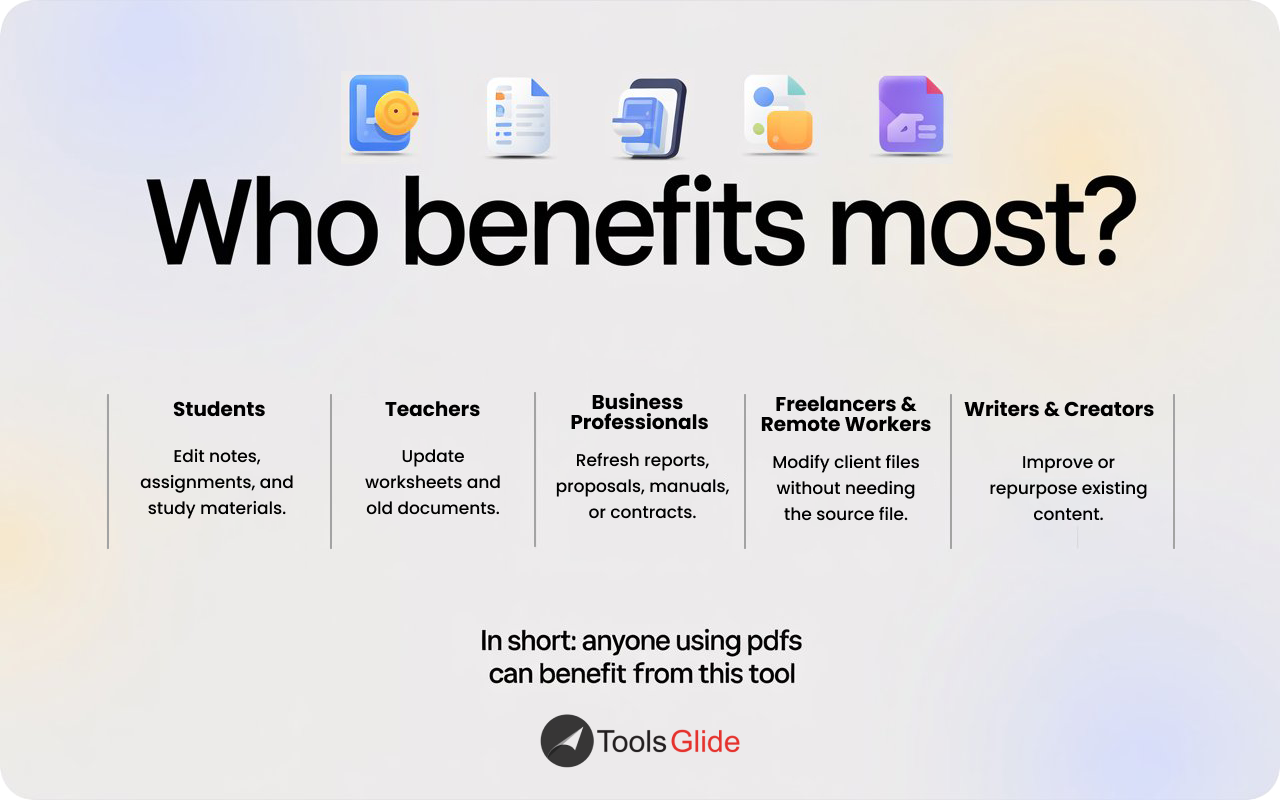
Who Benefits the Most from This Tool?
Students:
Editing class notes, assignments, and study material.
Teachers:
Reworking worksheets or previously prepared documents.
Business Professionals:
Updating company reports, proposals, manuals, or contracts.
Freelancers & Remote Workers:
Adjusting client files without requesting the original source.
Writers & Content Creators:
Reusing or improving existing written material.
Because PDFs are widely used, this tool supports nearly every profession and requirement.
Common Issues During PDF Conversion and How ToolsGlide Helps
Most free converters cause problems such as:
• Broken formatting
ToolsGlide maps the structure carefully to maintain layout.
• Incorrect text alignment
The tool stabilizes spacing and avoids misplacement.
• Missing images
Visual elements are preserved within the Word file.
• Unwanted font changes
Fonts are matched as closely as possible to the original file.
• Watermarks on free downloads
ToolsGlide does not add watermarks to converted documents.
These improvements reduce time spent fixing the final document.
How to Improve Conversion Quality
To get optimal results, consider these simple guidelines:
1. Use a Clear PDF File
Scanned documents should be sharp and legible.
2. Remove Passwords if Present
Password-protected PDFs may not convert until unlocked.
3. Compress Oversized PDFs
Huge files can slow down the conversion process. ToolsGlide has a PDF compressor if required.
4. Convert Complicated Layouts Page-by-Page
Highly formatted documents convert more accurately when processed in smaller segments.
Growing Demand for PDF to Word Tools
The demand continues to rise with remote work, online education, and digital collaboration becoming standard. Users often search for terms like:
- pdf to word free
- convert pdf to word online
- pdf to docx tool
- editable pdf to word
A fast, accurate, and free tool like ToolsGlide provides what people are actively looking for.
Final Thoughts
ToolsGlide’s PDF to Word Converter is designed for convenience, accuracy & accessibility. With clean formatting, fast processing, and no restrictions, it offers a dependable way to transform PDFs into editable Word files.
For students, professionals, freelancers, and content creators, this tool provides a practical solution for everyday document editing needs. If you want an efficient and simple way to convert PDF documents without complications, ToolsGlide delivers exactly that.